Games that run well on a Chromebook, in a browser tab
Updated · 4 min read
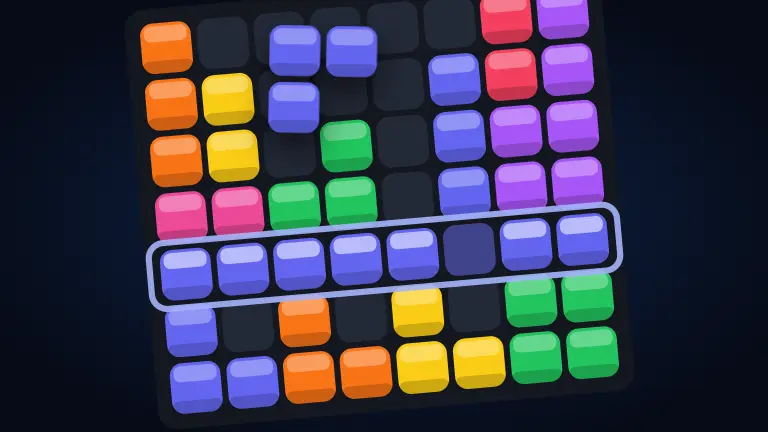
A Chromebook is built around the browser, which makes it a natural fit for browser games: there is nothing to install, and nothing that needs a particular operating system. The catch is power. Many Chromebooks, especially older or budget ones, have modest processors and graphics, so a game that flies on a gaming laptop can stutter. Here is what runs well, what needs a stronger machine, and how to get the most out of yours.
Why browser games suit a Chromebook
- Nothing to install. Every game here is a web page; open it in a tab and play.
- Keyboard, trackpad or touch. Phone-first controls mean a touchscreen Chromebook works as well as a mouse and keyboard.
- Small and quick to load. Puzzle, card and board games are light pages that open in seconds.
- No account for solo play. Solo games, dailies and games against the computer start with one tap.
Light games that run on anything
If your Chromebook is older or low on memory, start here. These are flat, two-dimensional games that ask very little of the hardware and feel the same on a budget machine as on a new one.
- Block Fit: drop the three pieces you are dealt onto the grid and clear rows and columns. No clock, no rush.
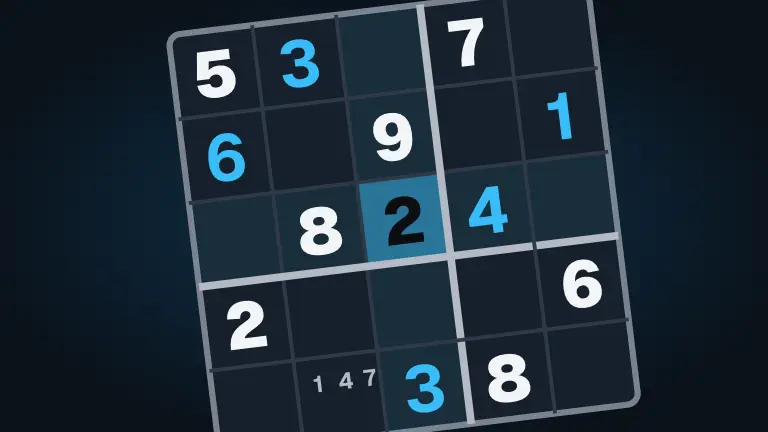
- Sudoku, Nonogram and Queens Court: daily logic puzzles that run on anything with a screen.
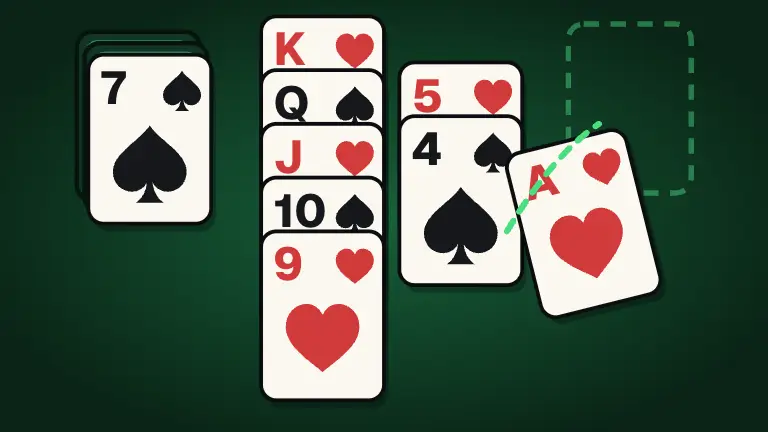
- Solitaire, FreeCell and Spider Solitaire: cards with undo and daily deals.
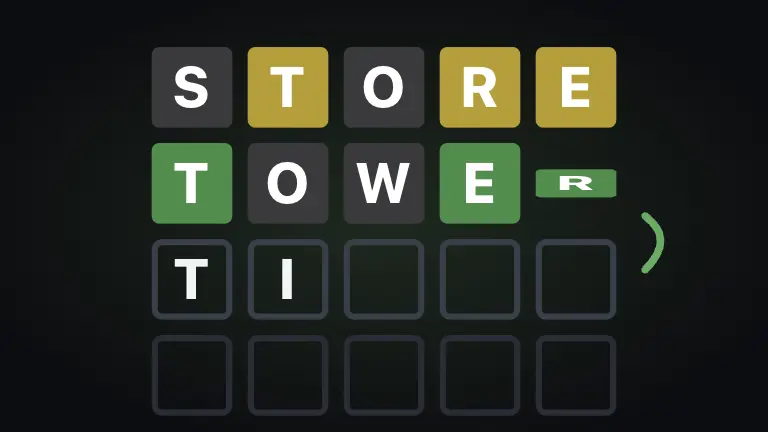
- Five Letters, Word Wheel and Mini Cross: daily word puzzles, quick to load and quick to play.
- Crate Push, Traffic Jam and Water Sort: level-based puzzles you can dip in and out of.
Board and card games against the computer
Turn-based games are ideal on modest hardware: nothing moves until someone makes a move. All of these have computer players at Easy, Normal and Hard.
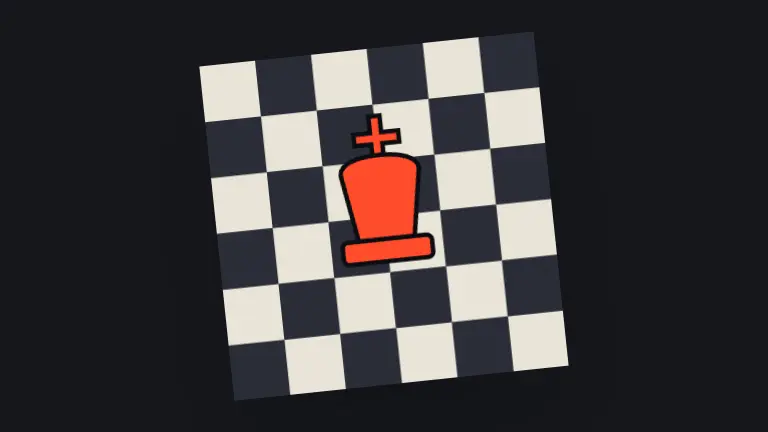
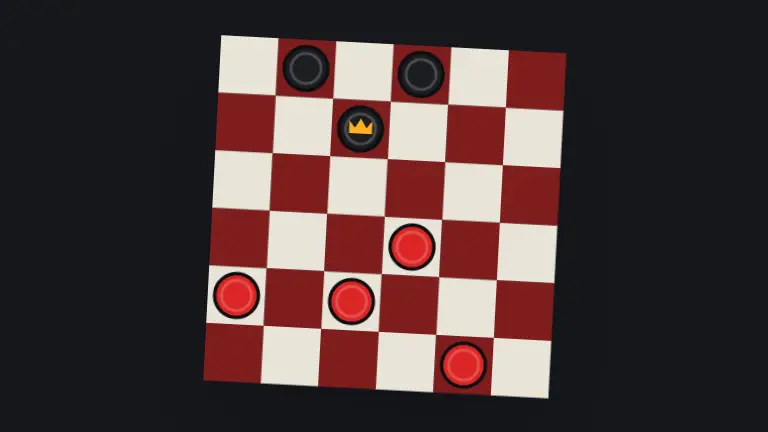
- Chess, Checkers and Backgammon: the classics, against the computer or a friend.
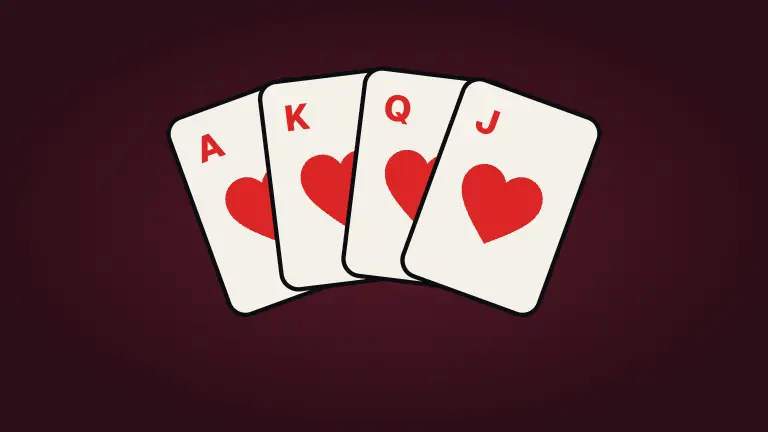
- Hearts, Spades and Gin Rummy: card tables with computer players filling the seats.
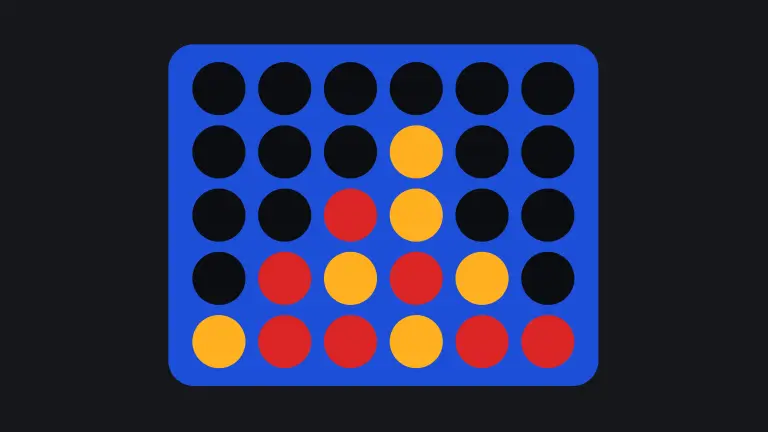
- Drop Four and Dots and Boxes: quick games that fit between other things.
- Bogmoor: our big trading-and-building board game, with bots for the empty seats.
Keyboard games
Chromebook keyboards are good, so lean into it. These play especially well with keys:
- Type Race: type the passage to drive your car, against three computer cars and the ghost of your best run. Good typing practice that does not feel like it.
- Block Drop: rotate, drop and clear lines with the arrow keys.
- Snake and Maze Muncher: arrow-key arcade classics.
- Paddle Ball: the arcade original against the computer, or a friend on the same keyboard.
3D games on a stronger Chromebook
Newer Chromebooks can handle a lot more. Start with the lighter 3D games, where the scenes are small and the pace is gentle:
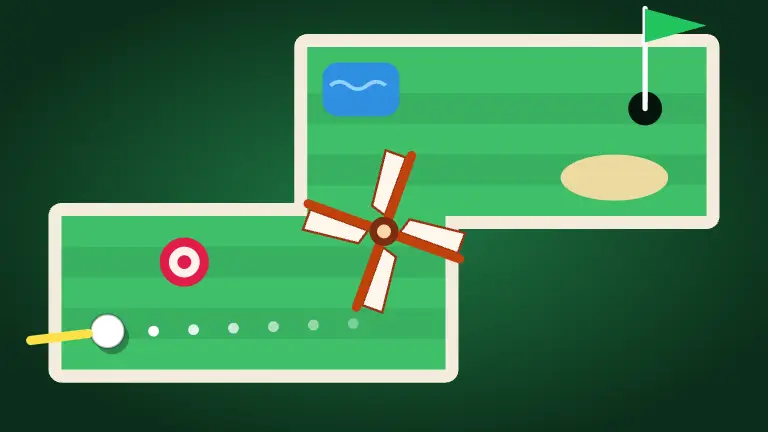


- Mini Golf: eighteen holes of drag-to-putt; slow-paced, so a lower frame rate hardly matters.
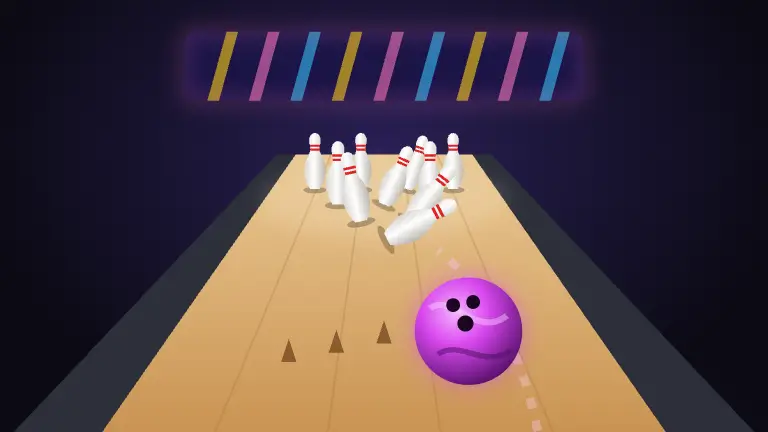
- Bowling: ten-pin bowling with real pin action, solo or passing the keyboard.
- Marble Mile: roll a marble down winding sky tracks.
- Slope Rush: a sled runner down a snowy mountain with an avalanche behind you.
The biggest games, like the shooters, the racing games and the open 3D worlds, want a stronger machine. Most of them pick a graphics level to suit the device when they start and step their detail down if the frame rate drops, and many have graphics settings in the pause menu (Esc). If one still feels choppy, pick something from the lists above instead.
Touchscreens and tablet mode
Many Chromebooks fold into a tablet or have a touchscreen, and that suits our games well: they are built phone first, with big touch targets and tap or drag controls. Card games, puzzles and board games are often nicer by touch than by trackpad. Arcade games that need quick, exact input still play better with the keyboard.
A starter list by machine
- An older or budget Chromebook: Solitaire, Sudoku, Five Letters, Chess.
- A recent mid-range model: add Mini Golf, Bowling and Type Race.
- A powerful, recent Chromebook: try the bigger 3D games, like Kart Dash, and see how it goes. If it struggles, nothing is lost; the lighter games are always there.
- Any of them, on a bad day: a turn-based game like Checkers or Hearts, which plays exactly the same at any speed.
Tips for smoother play
- Close other tabs. Each open tab takes memory, and a Chromebook does not have much to spare.
- Plug in. Many laptops slow themselves down on battery to save power.
- Go full screen. It hides the browser bars and gives the game the whole display.
- Restart the browser now and then. A long session of tabs can leave a low-memory machine sluggish.
- Pick turn-based games when the machine is struggling. A board game feels identical at any speed.
On a school or work Chromebook
Many Chromebooks belong to a school or an employer and come with their own rules about what they are for. Those rules apply, whatever the game. If a site is blocked on a managed device, that is the owner's decision; ask the person in charge rather than trying to get around it. Knockout is for people 13 and older.
If you are looking for something suitable for free time at school, Classroom-friendly games for free time lists quiet, low-key games that make sense in a classroom. For a patchy connection, see Browser games that play well on a slow connection.