Unblocked games for school: free, no download, no sign-up
Updated · 4 min read
When people search for unblocked games, they usually mean one thing: a game that will open on a school computer, start straight away, and not ask for a download or an account. This guide lists games that fit that description, sorted by how much time you have. It also says plainly what no website can promise, because whether a site opens at your school is your school's decision, not ours.
What unblocked really means
- No download. A school Chromebook will not let you install anything, so the game has to be a web page. Every game here is.
- No Flash and no plug-ins. The old game sites were built on Flash, which no browser runs any more. These run in the browser as it is.
- No account. Solo games, daily puzzles and games against the computer start with one tap, with no sign-up and no email.
- Light enough for a Chromebook. Most of the games below are small pages that load quickly on school wifi.
- Allowed by your school. This is the part nobody else can settle. School filters decide which sites open, and they are there on purpose.
Quick games for a five-minute break
These start instantly and end quickly, so they fit the gap after you have finished your work.

- Flap Happy: tap to flap a little bird through the gaps. One touch and it is over, which keeps the break honest.
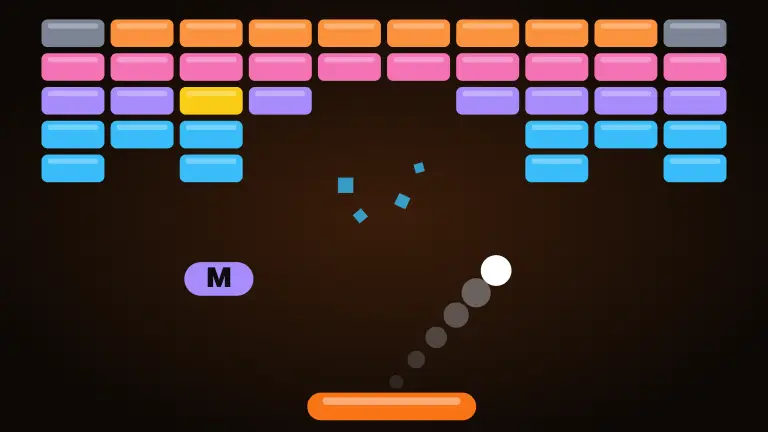
- Brick Break: keep the ball in play through 32 levels with power-ups.
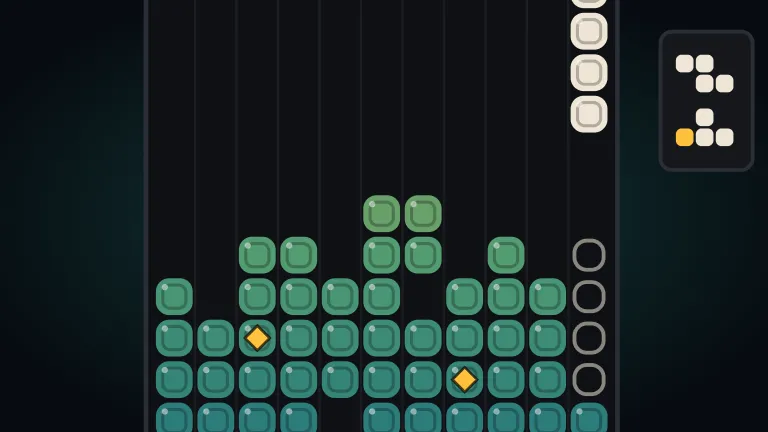
- Block Drop: rotate, drop and clear lines as the stack speeds up.
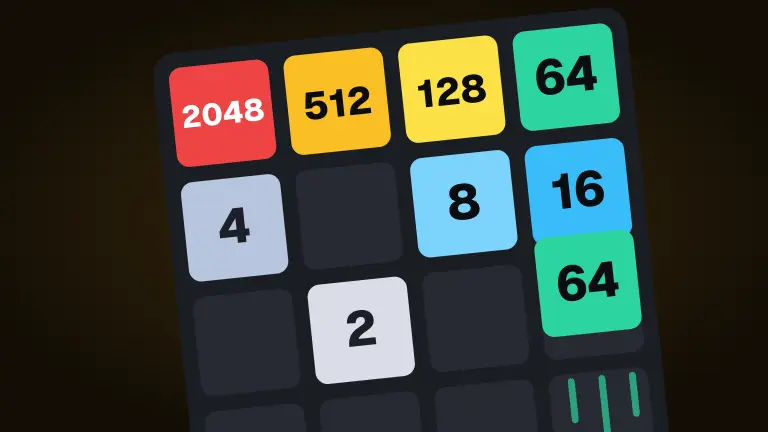
- Merge 2048: slide, merge and double up until the board fills.
- Maze Muncher: clear the maze while four wisps hunt you.
- Mine Field: clear the field without touching a mine. The numbers tell you everything.
Word and logic puzzles
Quiet, quick, and the kind of game a teacher is least likely to mind. Most have a new puzzle every day, the same for everyone, so you can compare with friends at lunch.
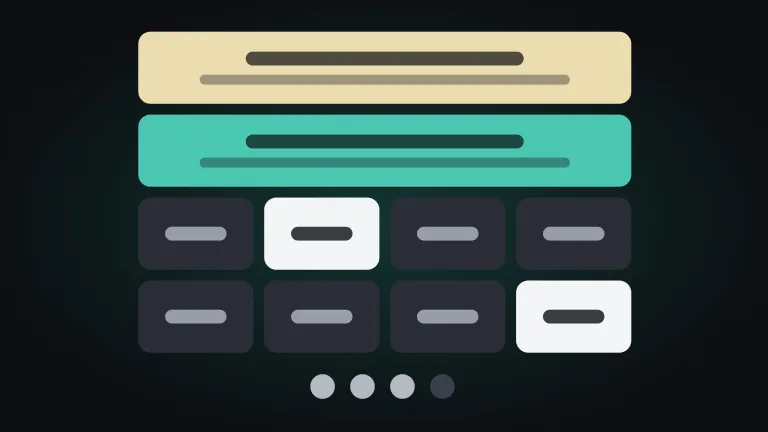
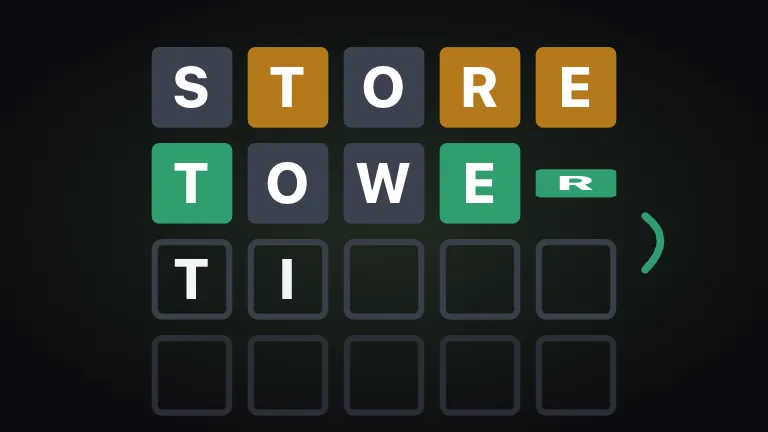
- Five Letters: one secret five-letter word a day and six guesses, plus unlimited practice words.
- Four Groups: sixteen words, four hidden groups, four mistakes allowed.
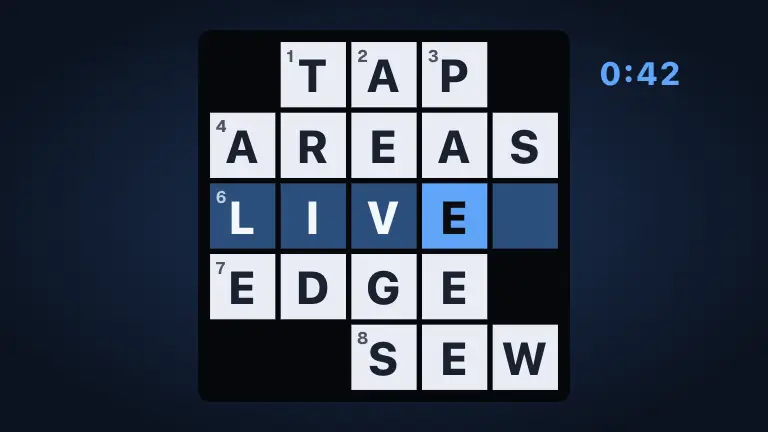
- Mini Cross: a pocket crossword, often solved in a couple of minutes.
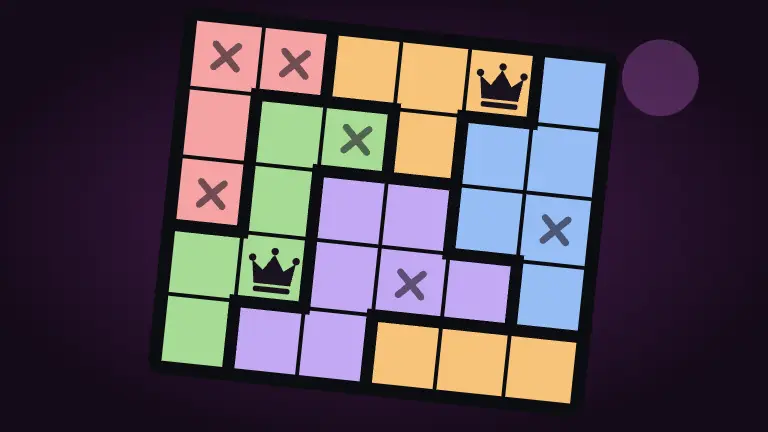
- Queens Court: one queen in every row, column and color region, and no two touching.
- Cage Math: fill the grid so no digit repeats and every cage hits its target. The 4x4 daily is a perfect two-minute puzzle.
- Equate: guess the hidden equation in six tries, where every guess has to add up.
- Hangman: guess the hidden word a letter at a time before your balloons run out.
Games that teach you something
- Outline: name the country from its outline in six guesses. Each miss tells you how far off you were and which way. Surprisingly good for learning a map.
- Daily Ten: ten trivia questions a day, the same for everyone, so a class can compare scores.
- Math Duel: head-to-head mental math against the computer or a friend. Answer first to win the point.
- Brain Gym: five one-minute drills for speed, memory, math and focus, adding up to one daily score.
- Chess Puzzles: find the winning move. One puzzle of the day, plus three more from easy to hard.
Two-player games with a friend
One of you creates a game and sends the invite link; the other opens it on their own Chromebook and sits down as a guest. Neither of you needs an account.
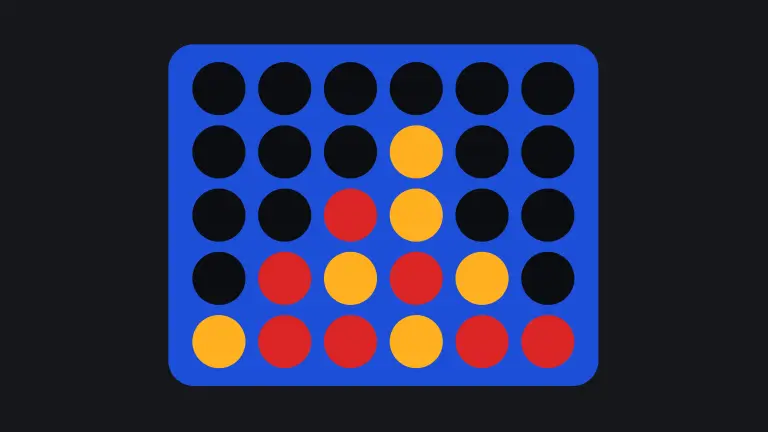
- Drop Four: line up four before your opponent does. A game takes a few minutes.
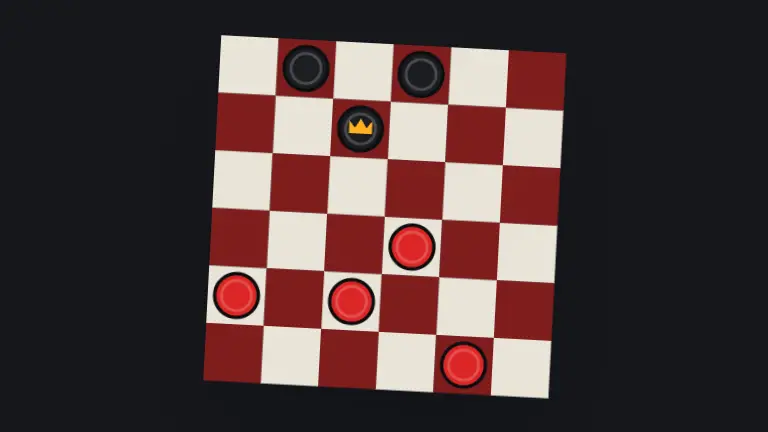
- Checkers: mandatory jumps and kings in the back row. Short, and surprisingly sharp.
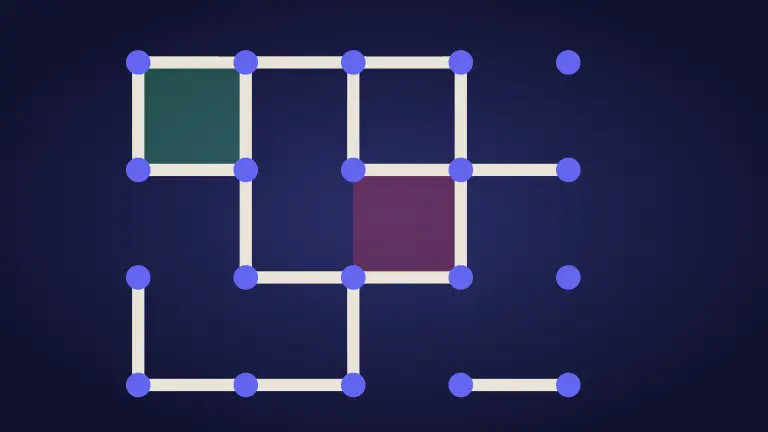
- Dots and Boxes: draw a line, complete a box, go again. Two to four players.
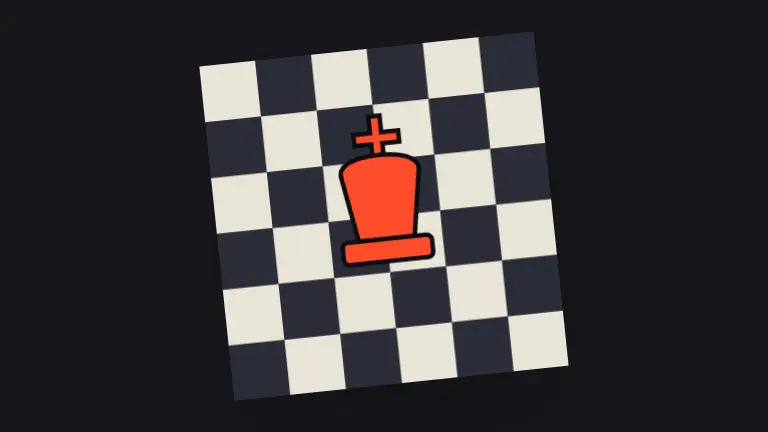
- Chess: play a friend, or the computer at three levels.
- Pool: eight-ball, turn by turn.
- No friend free? Drop Four, Checkers and Chess also play against the computer at Easy, Normal or Hard.
Bigger games for a longer break
- Mini Golf: eighteen holes of drag-to-putt. It is slow-paced, so an older Chromebook copes well.
- Kart Dash: kart racing on eight courses in two cups, with drifts, items and shortcuts.
- Marble Mile: roll a marble down winding sky tracks.
- Loop Park: build roller coasters piece by piece and ride them in first person.
The 3D games take longer to load the first time and ask more of the machine. Games that run well on a Chromebook, in a browser tab says which ones run smoothly and how to help the ones that do not.
If a game or the site is blocked
- It is your school's call. A filter that blocks a site is doing what the school set it to do.
- Do not go around it. Proxy sites and mirror sites that promise to unblock things are where the real trouble is: they break your school's rules and many of them are unsafe.
- Ask. A teacher can often have a site allowed for a class, especially for the word, math and geography games above. Classroom-friendly games for free time is written for teachers and is the page to show them.
- Play at home. Everything here works the same on a phone or a home computer, and the daily puzzles will still be waiting.
A few sensible habits
- Work first. A game in the last five minutes is a break; a game in the first five is a problem.
- Sound off. Every game here plays fine muted.
- Close the tab when asked, without a debate. Solo games keep your stats and streaks in the browser, so nothing is lost.
- Knockout is for people 13 and older.
For more of the same, Two-minute brain games for a quick mental reset has puzzles that fit the shortest break, and Play free games online without downloading or signing up covers everything that plays with no install and no sign-up.